Whiteboard Interview Prep for Veterans Moving Into Tech
Taylor sent 200+ applications for 5 interviews. With BMR, 20 resumes all hit.
Taylor, E-7, Army, defense industry
You can rebuild the switch config from memory. You can read a packet capture at 2 a.m. and find the problem. Then a stranger hands you a marker and says "walk me through your thinking." Your head goes quiet.
That is the whiteboard round. It shows up when veterans move into software, cyber, and IT work. It looks nothing like the interview you already practiced for.
You have probably done the STAR prep by now. You have a story about the time your shop ran two people short. That prep still matters. It just does not cover this.
This article solves one small problem all the way down. What happens minute by minute in a live coding or whiteboard round. And what to say out loud when you get stuck.
By the end you will know the four formats you might get. You will know the five stages of a 45-minute round. You will have a script for the moment your mind blanks. And you will know how to practice all of it with nobody watching.
One thing up front. This round is a format. Formats can be learned. It is not a verdict on whether you are smart enough for the work.
What Is a Whiteboard Interview, and Why Does It Feel So Different?
A whiteboard interview is a live problem-solving round. Someone gives you a technical problem. You work it in front of them and talk while you do it.
The name is a leftover from the office era. Many of these rounds happen remotely now. You get a shared code editor in the browser, or a blank document, or a screen share. Some cyber and IT rounds still use an actual whiteboard for a network diagram.
The tool changes. The test does not. University career centers that coach students into these rounds all land on the same point. The UT Austin technical interview guide frames it as a look at how you approach a problem. It is not a quiz with one right answer.
That is the part veterans get wrong first. You walk in trying to be correct. They are watching how you get there.
So a quiet candidate who finishes can score lower than a loud one who does not. That sounds unfair. It stops sounding unfair once you know it going in.
If you are still early in the pivot, the round sits at the end of a longer path. Our guide on how to break into IT without a degree covers what comes before this.
Silence is usually the response that scores worst
A wrong approach you explain out loud gives the interviewer something to grade. Ninety seconds of quiet gives them nothing. When you stall, keep talking about what you are stuck on.
Why Do You Freeze When Someone Watches You Code?
The military spent years training you to present finished work.
You do not brief a half-formed idea to the chief. You build the slide, check the numbers, rehearse the brief, then stand up. Rough drafts stay behind the curtain. That habit kept you out of trouble for years.
The whiteboard round asks for the opposite. It asks you to broadcast the messy middle while it is still messy. That mismatch is the freeze. It is not a gap in your technical ability.
For a year and a half after the Navy, I sent federal applications and heard almost nothing back. I kept telling myself I needed more experience. What I actually needed was to understand how the evaluation worked. Once I saw what the people on the other side were scoring, the same background started getting calls.
This round is the same shape of problem. Your skill is fine. What you are missing is reps at this specific performance.
And it is a performance. Duke's technical interviewing guide names one habit in its prep advice. Practice explaining your thought process clearly, and think out loud. Nobody is born able to do that. It gets built with reps.
What Happens Minute by Minute in a 45-Minute Round?
Princeton's career center puts a live coding round at 45 to 60 minutes. The stages below are a plan you can run, not a company rule.
Knowing the shape is half the calm. You stop wondering how much time you have left and start working the stage you are in.
Minutes 0 to 5: warm-up and the problem
Short intros, then they read you the problem or paste it in. Write it down as they say it. Do not start solving yet.
Minutes 5 to 10: clarify out loud
Restate the problem in your own words. Give a sample input and the output you expect. Ask about empty inputs and size limits.
Minutes 10 to 18: plan before you type
Name two approaches. Say which one you are picking and why. Write the steps as comments or bullets first.
Minutes 18 to 38: build it while narrating
Say what you are about to write before you write it. If one small piece blocks you, leave a note and move on.
Minutes 38 to 45: walk a test case
Run your own sample input through the code by hand. Say where it breaks if it breaks. Then ask your questions about the team.
Stage two costs nothing, and skipping it can sink the whole round. Binghamton's coding interview guide calls clarifying the problem your absolute first step. It warns against jumping straight into code. It also says to ask the interviewer which approach they prefer.
Read that last part again. You are allowed to ask. The round is a conversation with a problem in the middle of it.
A lot of these rounds now happen over video. Bad audio or a dark camera eats attention you need for the problem. Our virtual interview tips for veterans cover the setup side. The round before this one is usually a recruiter call. We break that down in the veteran phone screen guide.
What Do You Say When You Get Stuck?
You will get stuck. Everyone does. The scoring difference is what comes out of your mouth in the next ten seconds.
Learn these five lines. Say them out loud in practice until they come without thinking.
- Stuck at the very start: "Let me restate the problem so I know I have it right." Then restate it. Saying it back often shakes the answer loose.
- Two approaches and no favorite: "I see two ways to do this. Let me name both, then pick one and explain why."
- Blanked on syntax: "I am going to call a helper function here and write the body after." Then keep going. Syntax recall is not what they are grading.
- You realize your approach is wrong: "This will be slow once the input gets big. I want to back up and try a hash map." Catching your own mistake scores well.
- Complete blank: "Give me ten seconds. I am going to write down what I know so far." Then write the knowns on the board and talk through them.
That last one is the important one. A ten-second pause you announce is fine. Ninety silent seconds while you panic is not.
Candidate stares at the screen for two minutes. Types a line. Deletes it. Says "sorry" and goes quiet again. The interviewer has nothing to score and starts filling the silence with hints.
"I am stuck on how to track what I have already seen. A nested loop works but gets slow. Let me try a set and check the cost." The interviewer now sees the reasoning and can nudge.
There is a second reason to narrate. The interviewer usually wants to help you. They cannot help a silent candidate without guessing. Talking gives them a place to put the hint.
One more habit worth building. When the interviewer offers a hint, take it and say thank you. Some veterans treat a hint as a failure and push past it. Accepting help fast is a teamwork signal, and they are scoring that too.
Which Format Will You Actually Get?
Not every tech role runs a coding round. The format tracks the job. A help desk pivot and a backend software pivot get different tests.
Four formats, and who gets them
Live coding
Software engineering roles. One or two problems in a shared editor while you talk.
Take-home plus a walkthrough
Common at smaller companies. You build it alone, then defend your choices live.
System design
Usually mid-level and senior roles. Boxes and arrows on a board, no code.
Scenario walkthrough
Cyber, NOC, SOC, and IT support. They hand you an alert or an outage and watch you triage.
Format four is the one many veterans coming out of a cyber or IT job will face. Duke's guide notes that system design tends to show up for mid-level and senior candidates. So a first civilian tech role often skips it.
The scenario walkthrough is close to work you have already done. A ticket comes in. Users cannot reach a share. You ask what changed, check the obvious layer first, and say your reasoning as you go. That is the exact skill the round is scoring.
If you came out of one of these jobs, you have more raw material than you think:
- Army 25B: ticket triage, imaging, account and access work. See the 25B Information Technology Specialist career guide.
- Army 17C: tooling, exploitation, and defensive operations work that maps to SOC scenarios. See the 17C Cyber Operations Specialist career guide.
- Navy CWT: network analysis and traffic review that reads straight across to detection work. The Navy stood up the Cyber Warfare Technician rating in 2023 and retired CTN. Older resumes still say CTN. See the CWT Cyber Warfare Technician career guide.
- Air Force 1D7X5: security controls, threat checks, and incident work. See the 1D7X5 Cybersecurity career guide.
You still have to say that work in civilian words. Read the task and skill statements in the NICE Framework Resource Center. NIST built the NICE Framework as a common language for cyber work. Employers use it to write job descriptions. Pull the phrasing from there and use it in the round.
Chasing the help desk and NOC lane? We cover how a Network+ turns into help desk and NOC interviews. For the security lane, start with breaking into InfoSec after the military.
How Is This Different From a Case Interview or a Behavioral Round?
These three rounds get lumped together as "the hard interview." They test different things and they need different prep.
A case interview hands you a business problem. Revenue is down at a regional chain, figure out why. You do mental math out loud and build a structure. No code, ever. We wrote the veteran version of that in our case interview prep guide for veterans entering consulting.
A whiteboard round hands you a technical problem. Write the function, design the system, or triage the alert. The output is code or a diagram.
A behavioral round hands you your own past. Tell me about a time you handled conflict. That is where STAR lives, and our STAR method guide for veterans covers it.
A tech loop can run all three across a day or two. Prepping one does not prep the others. Budget your time for the rounds your loop actually includes.
How Do You Practice This Alone in Four Weeks?
A study partner helps, but a recorder works just as well. What you need is reps at talking while you think.
Here is a four-week plan that fits around a full-time job. Two hours on weeknights, a longer block on the weekend.
1 Week 1: pick one language
2 Week 2: turn the volume on
3 Week 3: put a clock on it
4 Week 4: match the real format
Two details make this work. Record yourself, because your memory of how you sounded is generous and the recording is not. And ask the recruiter what the technical round covers. That question is normal. Duke's career hub says students can always reach out to the recruiter for details.
If practicing out loud with nobody in the room feels strange, that fades in about three sessions. Our guide on how to practice interview answers alone covers the recording setup and the review loop. You can also run reps against the BMR Interview Preparation tool. It builds questions for your target role.
Key Takeaway
The whiteboard round scores your reasoning, not your recall. Narrate the plan before you build. Keep talking when you stall. Walk one test case at the end.
What Should You Do This Week?
Picture the round going right. You are 22 minutes in. Your first approach was too slow and you said so out loud. The interviewer nods and says "yeah, what else could you use." You say a hash map, explain the tradeoff, and start typing. You did not finish the last two lines. You still got the call back, because they saw exactly how you think.
That is a repeatable outcome, and it starts before the interview. You have to get to the round first.
So this week, do two things. Run one recorded 45-minute practice round using the five stages above. And fix the resume that gets you into the loop.
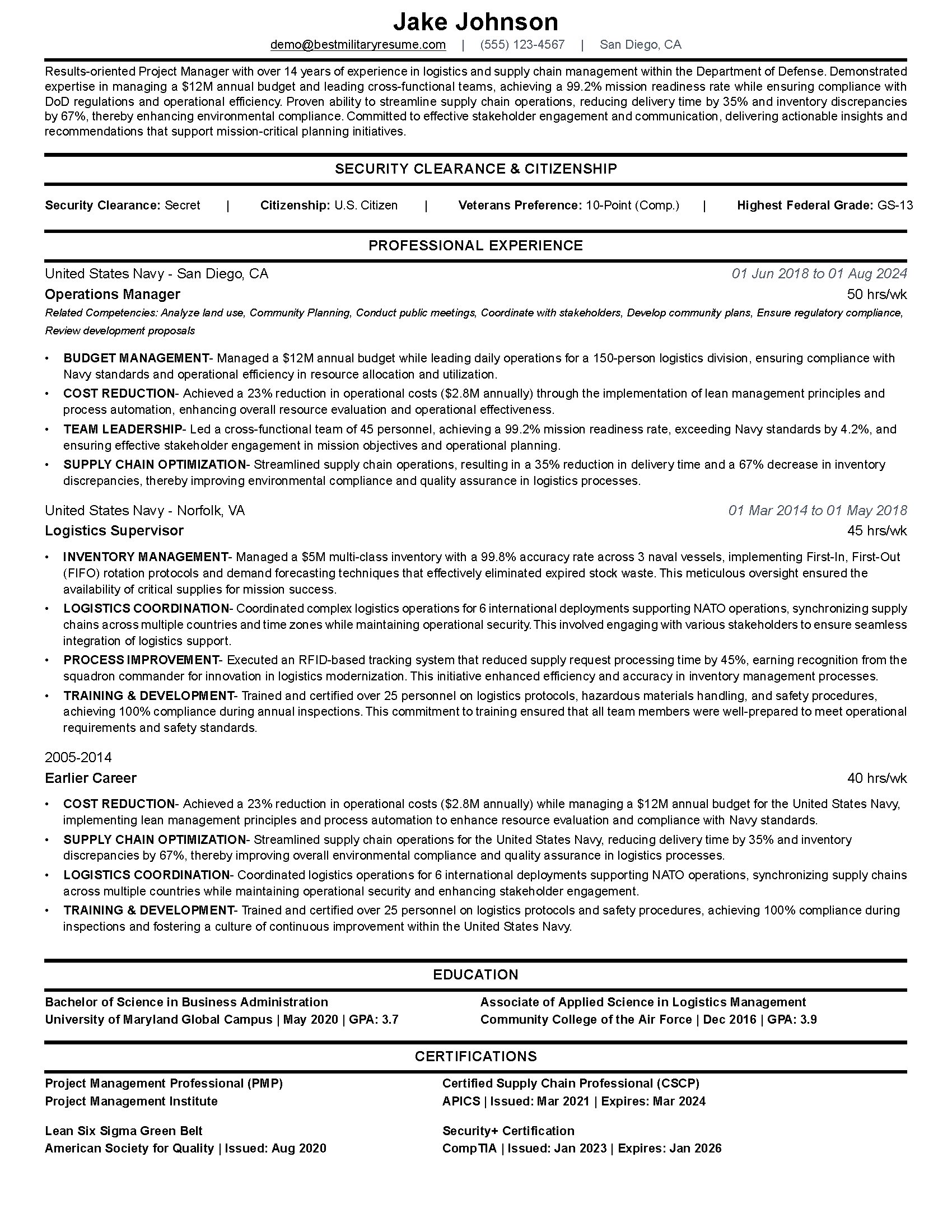
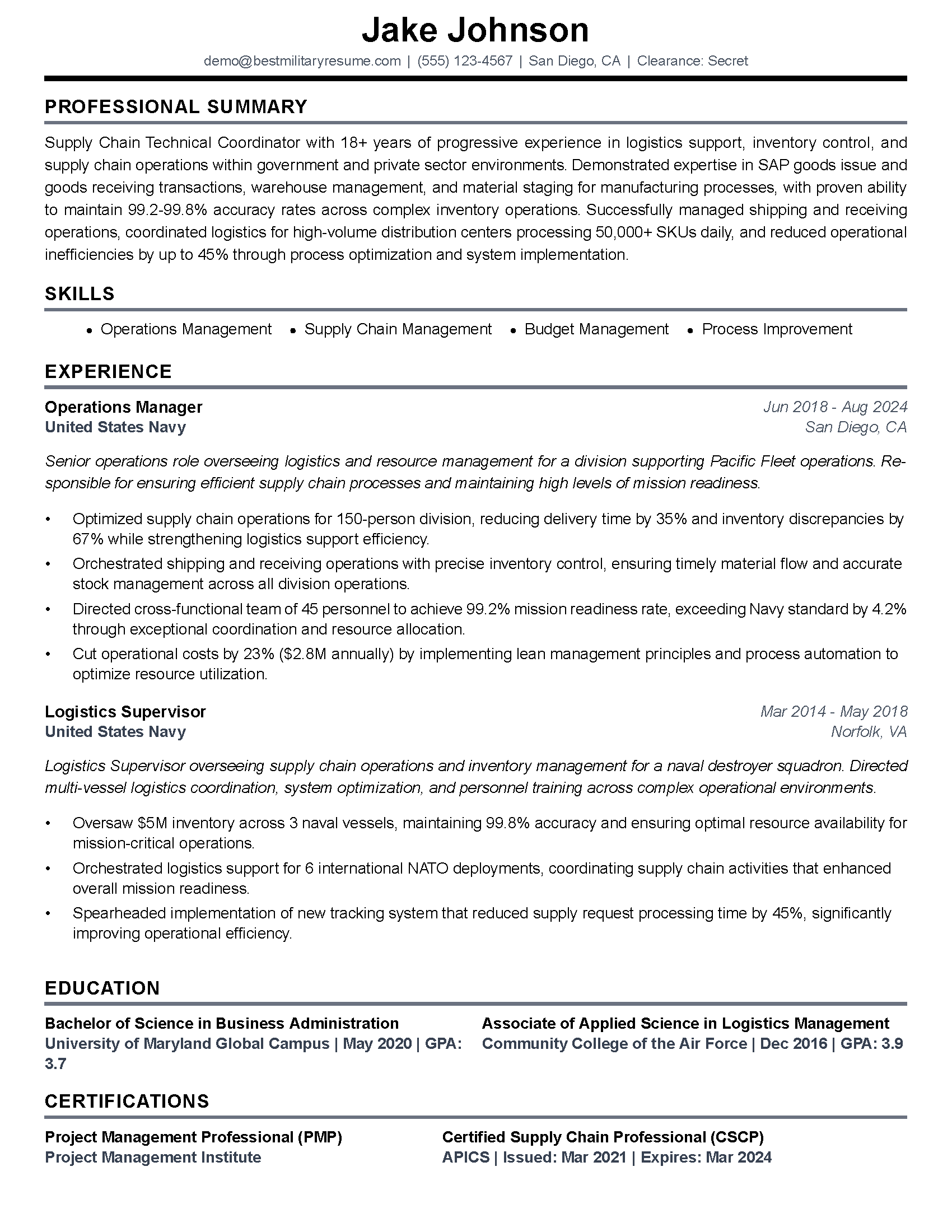
The resume side is where a lot of strong technical veterans stall out. The work is real and the wording still reads like a service record. Our IT veterans resume guide for the 25 series, 17C, and cyber shows the translation. Want it done faster? Paste the job posting into the BMR resume builder. You get a version tailored to that exact role. It is free for veterans, military spouses, and dependents.
The whiteboard is a format. Formats can be practiced. Go get your reps in.
Frequently Asked Questions
What is a whiteboard interview?
Do all tech jobs have a whiteboard round?
What should you say when you get stuck in a coding interview?
Can you ask the interviewer questions during a whiteboard interview?
How long does a technical interview round last?
Do you fail if you do not finish the problem?
How do you practice a whiteboard interview alone?
About the author
Brad Tachi is the CEO and founder of Best Military Resume and a 2025 Military Friendly Vetrepreneur of the Year award recipient for overseas excellence. A former U.S. Navy Diver with over 20 years of combined military, private sector, and federal government experience, Brad brings unparalleled expertise to help veterans and military service members successfully transition to rewarding civilian careers. Having personally navigated the military-to-civilian transition, Brad deeply understands the challenges veterans face and specializes in translating military experience into compelling resumes that capture the attention of civilian employers. Through Best Military Resume, Brad has helped thousands of service members land their dream jobs by providing expert resume writing, career coaching, and job search strategies tailored specifically for the veteran community.